

See your kitchen renovated with AI
Transform your space with AI.
New cabinets, stone countertop, different backsplash, built-in lights: see it all on a photo of your own kitchen first.
You can also say what to keep, like "keep my cabinets" — the AI follows it.
Transform my space for freeNo credit card · 1 free transformation · Works on your phone
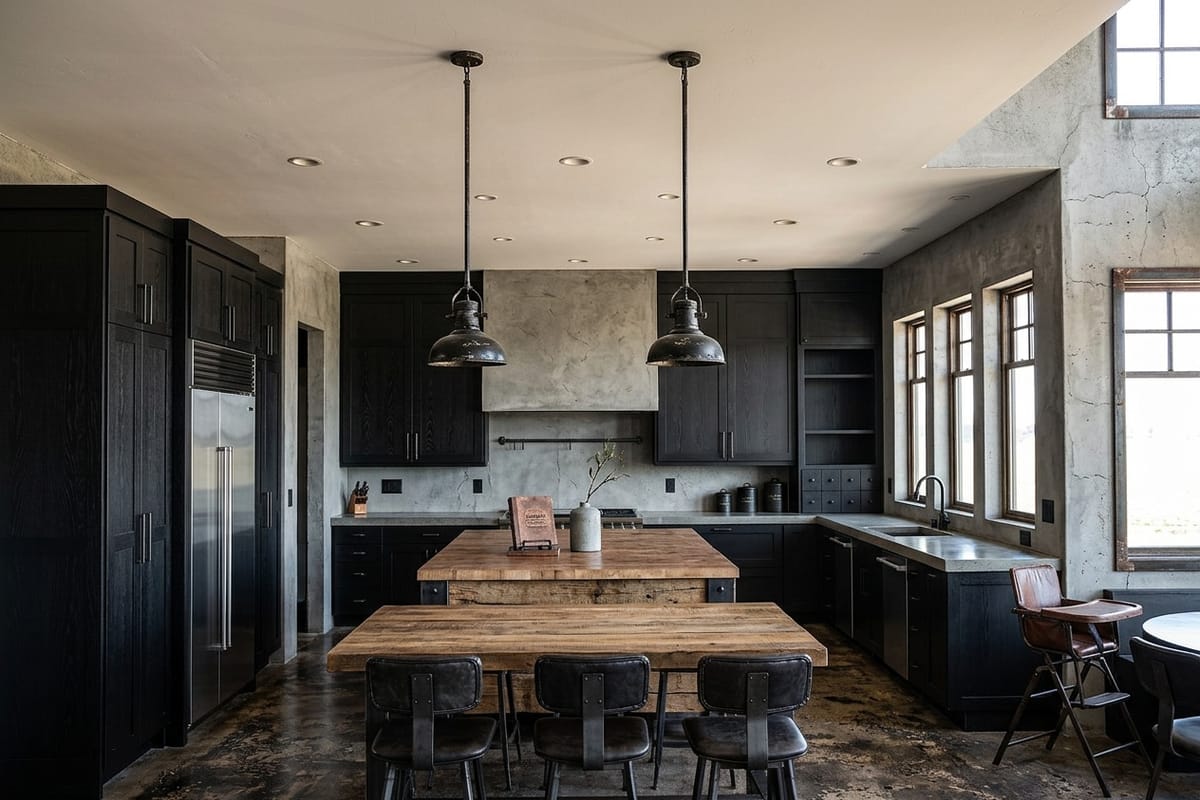
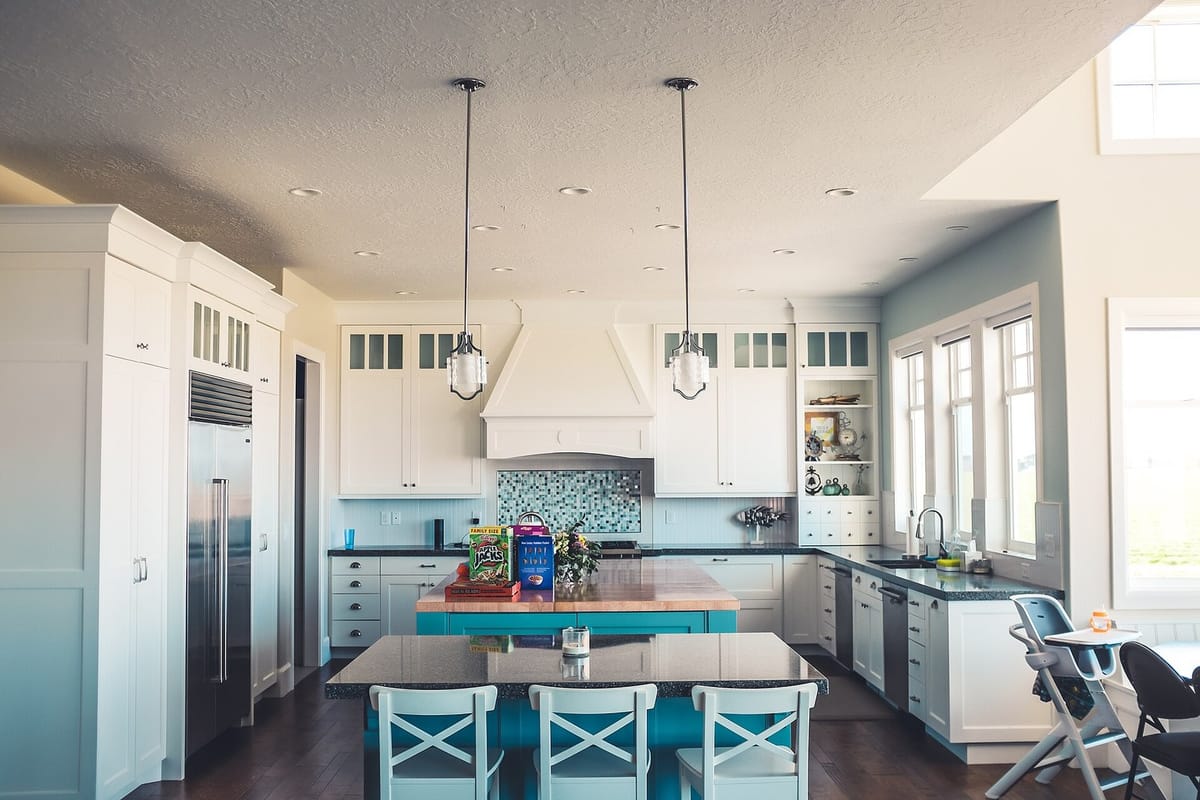 BeforeAfter
Drag to compare
How it works
1. Take a photo
Just as the space is today, straight from your phone.
2. Pick space and style
10 styles — from minimalist to luxury — and, if you want, say what to change.
3. See the before and after
In under a minute. Download or share as a video.
Styles
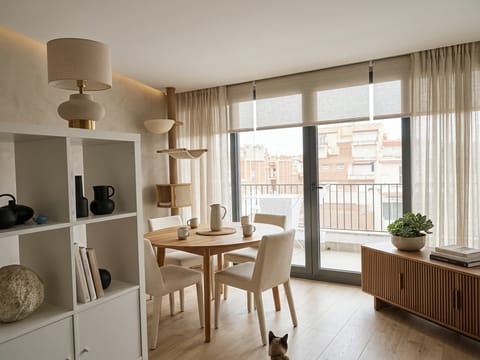
Modern
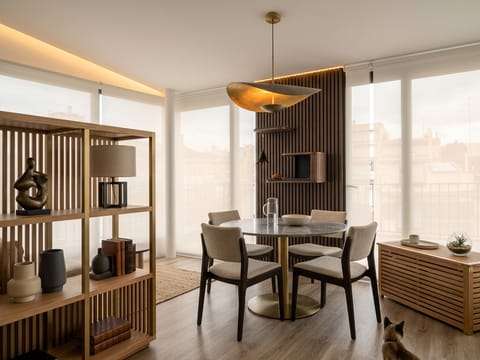
Contemporary
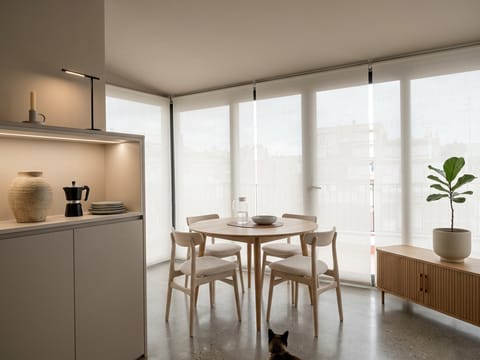
Minimalist
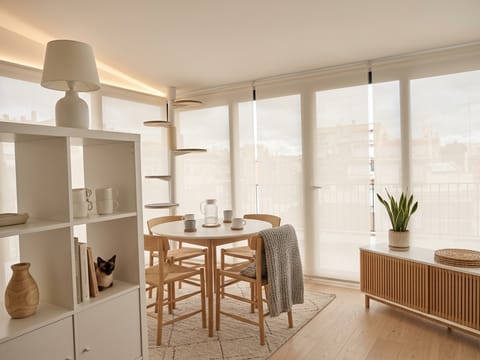
Scandinavian
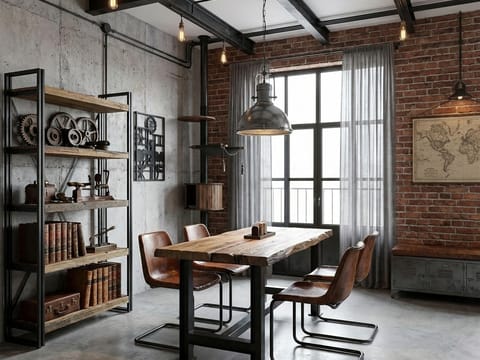
Industrial
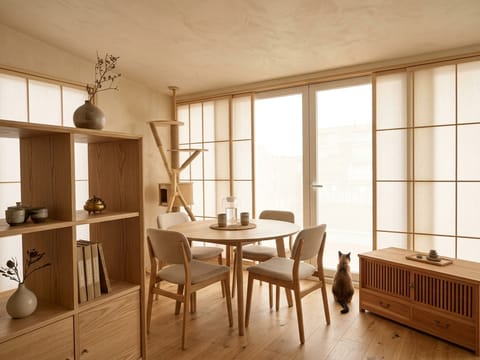
Japandi
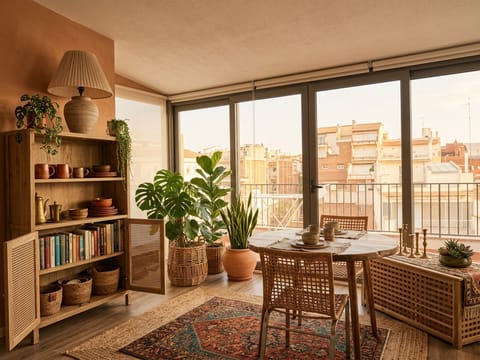
Boho
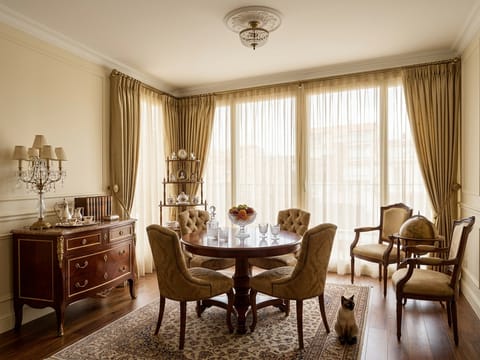
Classic
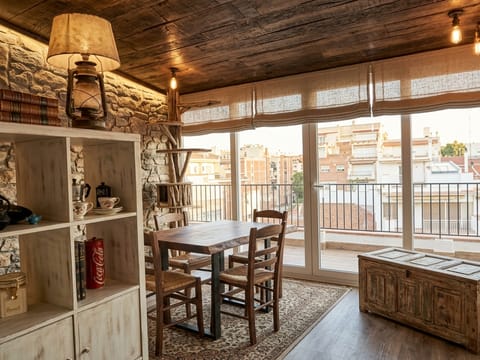
Rustic
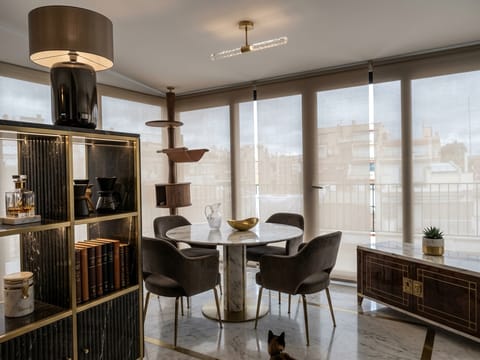
Luxury
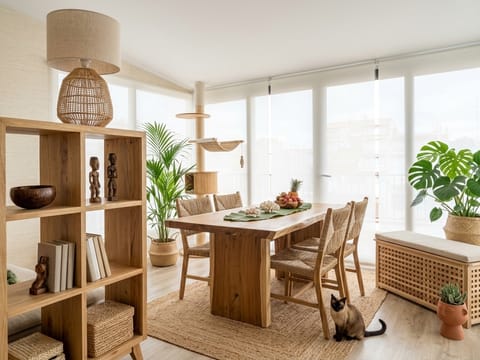
Tropical
Frequently asked questions
Is it free?
Your first transformation is free when you sign up, with a watermark. After that you buy Flips: each Flip is one HD transformation, no watermark.
Do I need to install an app?
No. SpaceFlip works in your phone's browser. You can add it to your home screen to open it like an app.
Does the AI keep my doors and windows?
Yes. In Realistic mode it preserves walls, doors, windows and the photo's perspective. Inspire mode has more creative freedom.
How long does it take?
Usually less than a minute.
Are my photos public?
No. Your projects are private. A result is only visible by link if you choose to share it — and you can turn it off anytime.
How do I pay?
By card or Pix, right on the SpaceFlip screen. Flips arrive instantly.
Does it work for any space?
Living room, kitchen, bedroom, bathroom, office, BBQ area, balcony, facade and garden.
Is the result a renovation project?
No. It's a visual simulation to help you decide. Consult professionals before renovating.